IR sensor location on Sonos home theater products
Each Sonos home theater product has an infrared (IR) sensor for detecting your TV remote. This article will show you where these IR sensors are located.
Arc, Arc SL, and Arc Ultra

Arc’s IR sensor is located on the front, under the Sonos logo.
Beam

Beam’s IR sensor is located on the front, under the Sonos logo.
Ray
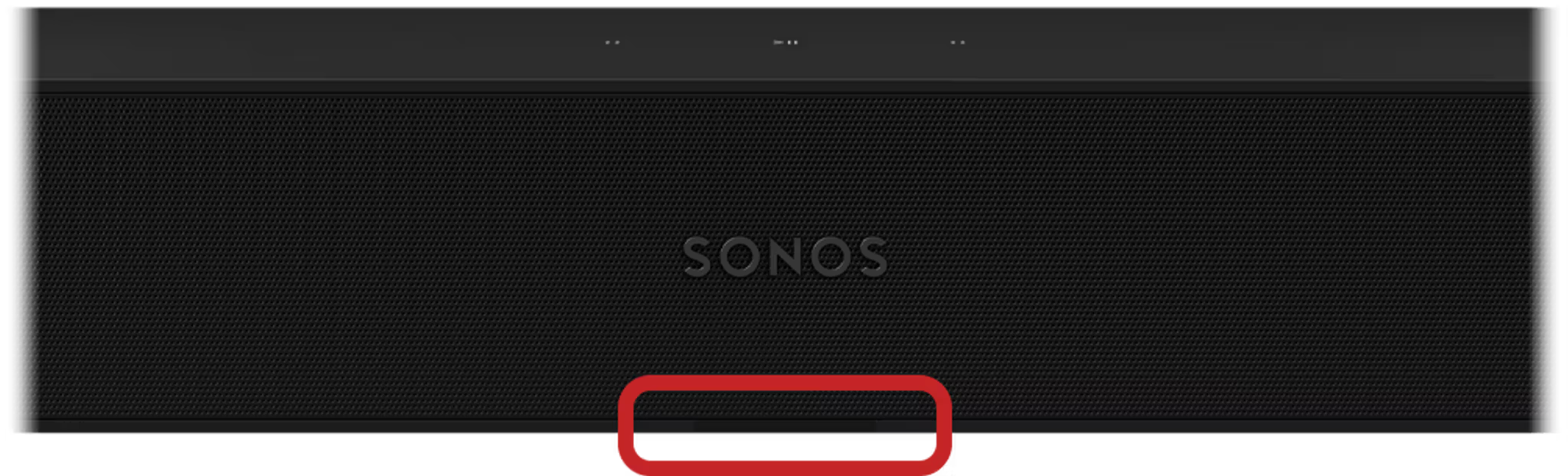
Ray’s IR sensor is located on the front, under the Sonos logo.
Amp
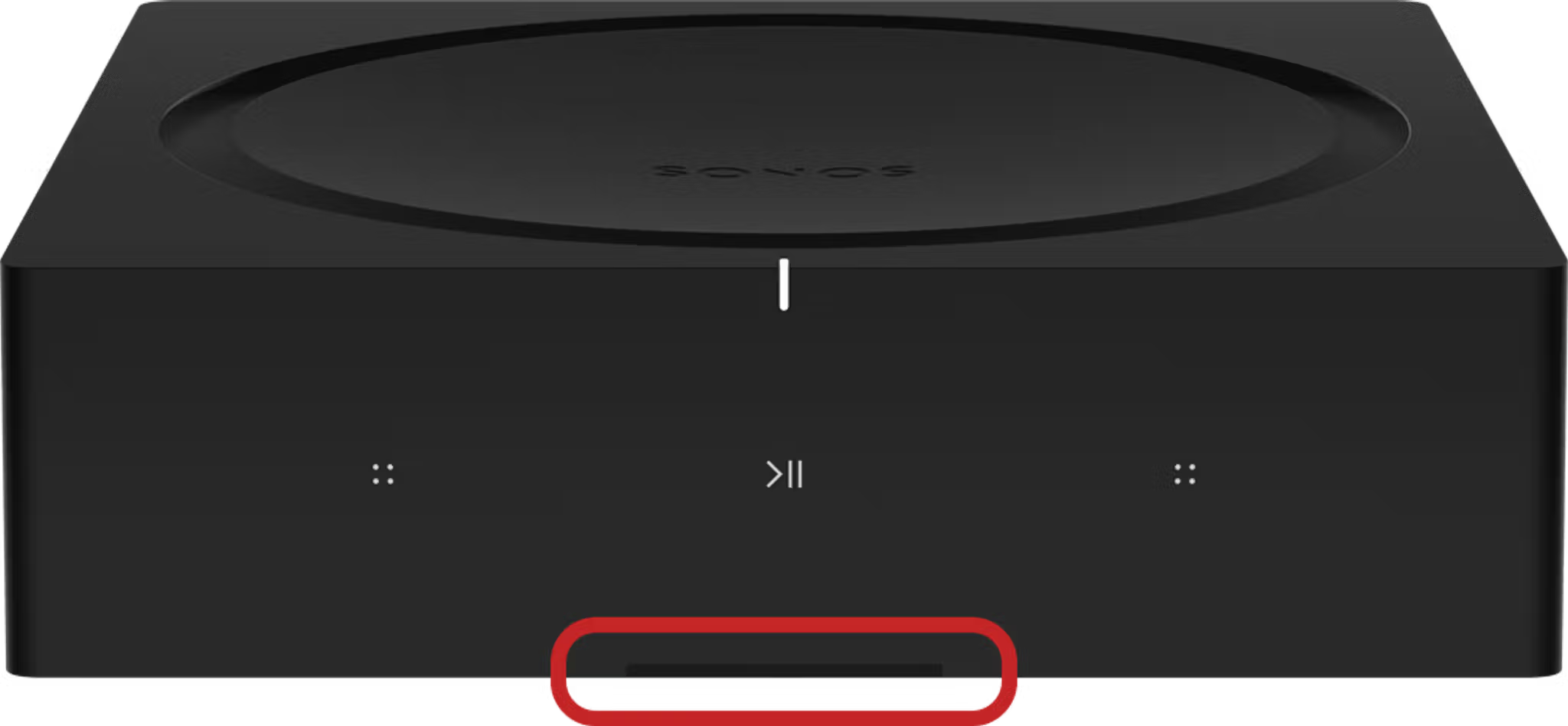
Amp’s IR sensor is located on the front, under the play/pause button.
Playbase
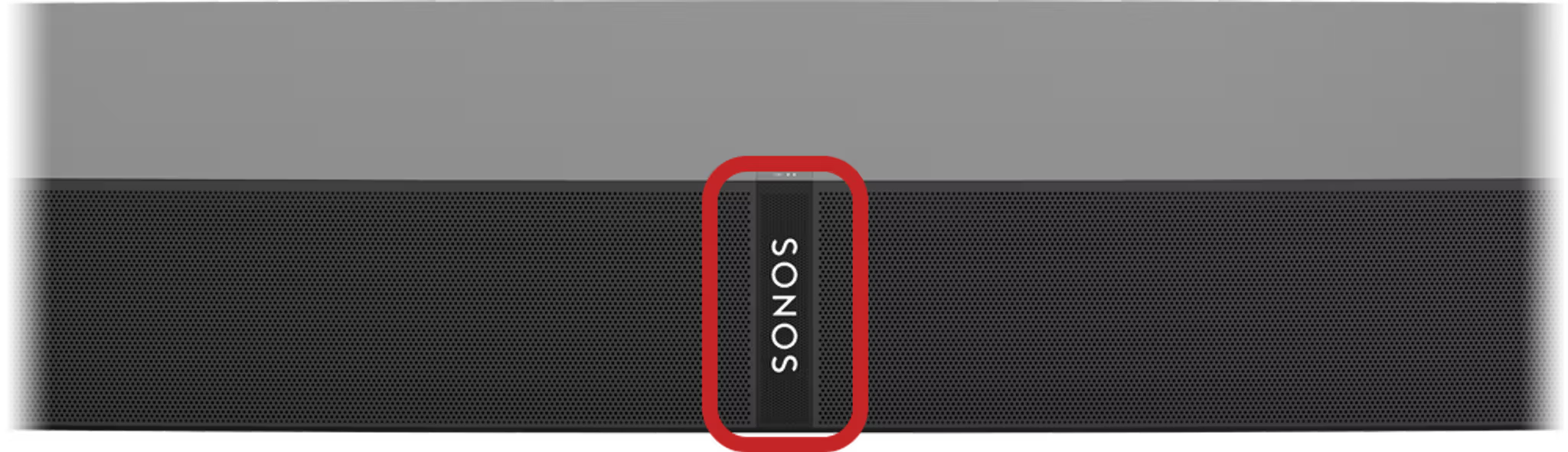
Playbase’s IR sensor is located on the front, behind the Sonos logo.
Playbar
Wall mounted below the TV
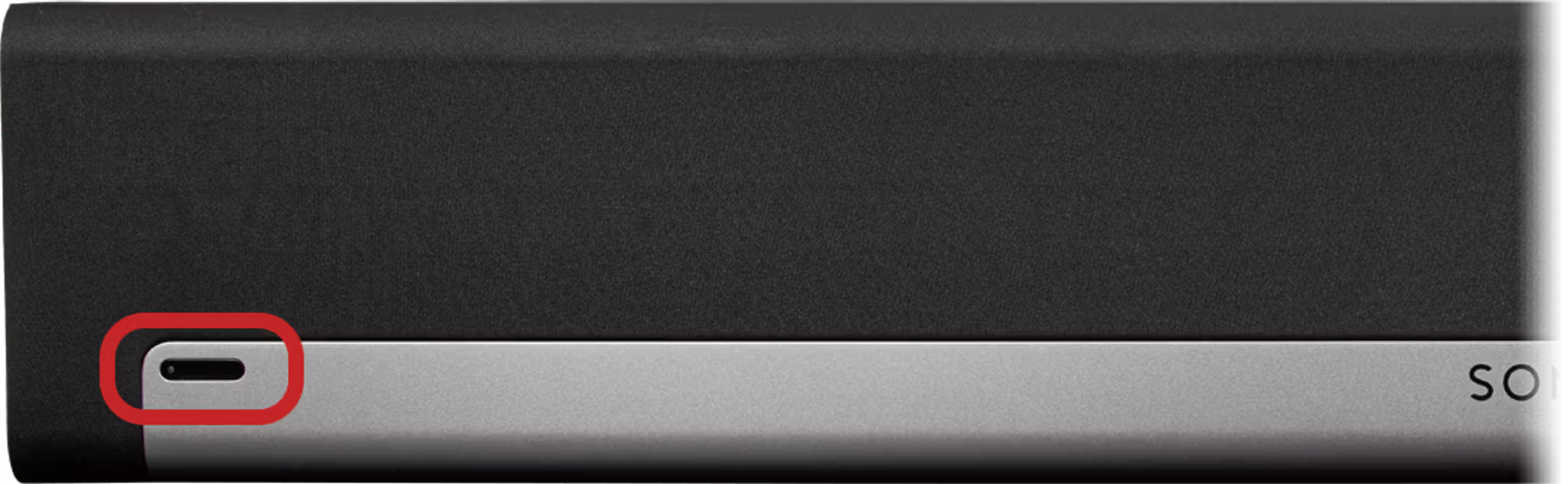
When mounted below the TV, Playbar’s IR sensor is located in the bottom-left corner.
Wall mounted above the TV
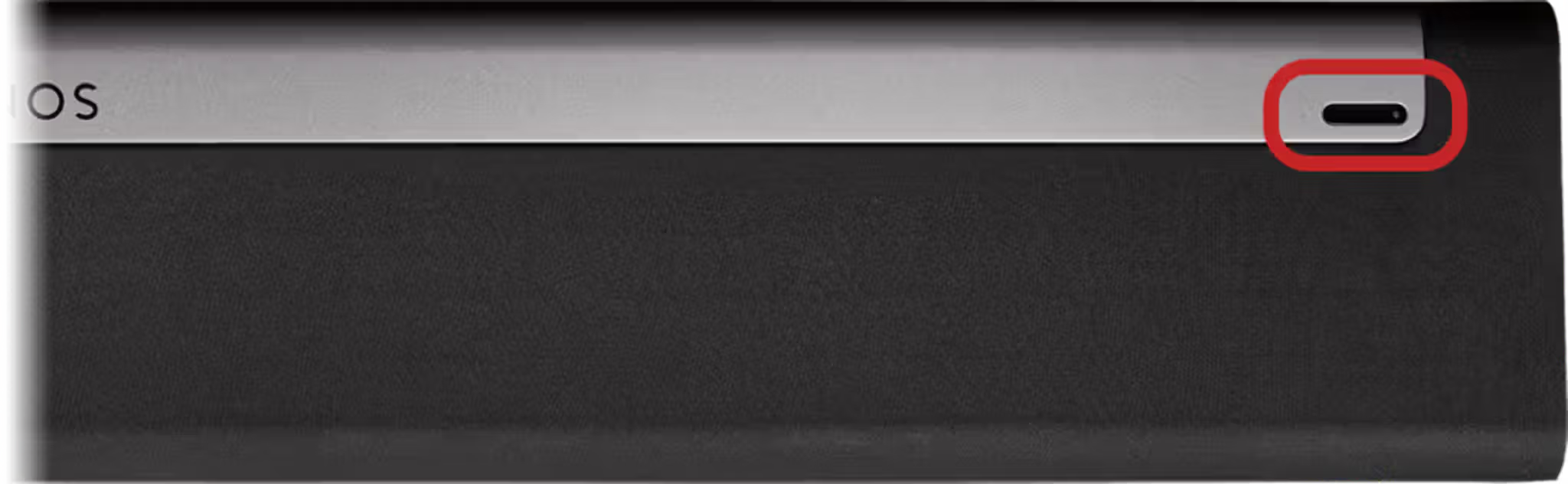
When mounted above the TV, Playbar’s IR sensor is located in the top-right corner.
Tabletop

When resting on a surface, Playbar’s IR sensor is located in the bottom-right corner.


